Perhaps one day I will become the kind of person who reads 6,000 words on Roman aqueducts on a Tuesday evening. But right now, my Roman aqueduct browser tab sits pixels away from a live blog of a geopolitical tragedy, which sits pixels away from a Wikipedia entry for a painting, which sits pixels away from a page on pension funds, which sits pixels away from a stew recipe.
The proximity of these worlds is absurd. In physical space, I would have to walk from a newsstand to the bank to my kitchen, giving me time to readjust my thoughts. In the geography of the browser, all these slices of life are squashed together in the same visual format as tabs.
A browser has a geography, but it also has a history. Human reading had always been linear, from page 1 to page 2 and so on. In comparison, while “surfing the web”, early browser users would click from link to link until they suddenly realised they had no idea how they got there, or how to return. And if you remember the dial-up modem days, you may also have right-clicked links to open them in new tabs or windows, since pages and images would take minutes to load.
Web users were getting lost in a forest of their own making, a phenomenon called “lost in hyperspace”. To fix this, the architects of the early web browsers had to drop digital breadcrumbs so people could find their way “home.” They invented the “History” log and the “Hotlist” (what we now call “Bookmarks”), and introduced physical metaphors like the “Back” button and the “Home” icon.
Eventually, the nature of the web changed as we no longer just visited it but worked within it as well, using inboxes, spreadsheets, documents, dashboards, or social feeds. The next evolution of tabs was then the pinned tabs, as browser makers realised we needed a way to keep our most important tools accessible.
This brings us to a potential blend of geography and history of our browsing. Whether browser stacks tabs horizontally across the top or vertically down the side, the browser operates as a literal timeline. At the very beginning, be it the far left or the top, is the always, the pinned applications. Next in line is the past: the tabs we opened but haven’t closed yet. The active browser tab is the now. And trailing off to the right is the future, the applications and articles to check later.
Linguistically, the word “tab” first appeared in English around the 1600s. Its exact origin is slightly murky, but etymologists trace it to the Middle English tabbe (a string or strap) or the Norwegian dialectal tave, meaning a literal piece of rag. It was simply a small flap of material attached to an object so it could be pulled open. By the late 19th century, office clerks began attaching small cardboard flaps to manila folders so they could quickly find a specific document in a drawer. The tabbed file folder was a physical mechanism designed to speed up search, a function intuitively helped by the fact that a cardboard tab remains the same size no matter how many files are stuffed into the cabinet.
In the browser, the laws of physics are different. Because the browser has a finite width, opening 20, 30, or 50 tabs forces them to compress. First, the tab text is truncated. Then the text drops completely, leaving only a favicon. The mental fatigue of linear searching a browser tab is drastically worsened by the physical mechanics of the browser UI, explained by Fitts’s Law.
This law is a foundational principle of Human-Computer Interaction and states that the time required to click a target is determined by how small and how far away the target (in this case, a browser tab) is. The smaller and farther away a tab is, the harder it is to close it. Navigating a large number of browser tabs ceases to be a quick visual scan, as with cabinet files, and instead demands agonising, slow-motor precision. We are left hovering the cursor, terrified that a millimetre slip of the mouse will accidentally close the tab entirely.

If the physical mechanics of the browser actively punish us for opening too many tabs, why is tab hoarding common?
A 2021 study from Carnegie Mellon University, “When the Tab Comes Due: Challenges in the Cost Structure of Browser Tab Usage,” found that tab hoarding is rarely just laziness. Instead, users often keep tabs open as “external mental models”, a way of mapping complex tasks onto the browser itself or a sort of improvised task manager.
Chang et al. also found that sunk costs play a major role in this behaviour. Once people have spent time finding, opening, and arranging information, they become reluctant to close it, even when the tab bar becomes noisy. Hence, the browser becomes a high-pressure backlog.
This is where browser tabs begin to overlap with psychology. Consider the Zeigarnik effect: unfinished tasks are harder to forget than finished ones. As recent meta-analyses have shown, Zeigarnik’s memory theory doesn’t always hold up. Perhaps the real culprit of our tab fatigue is the Ovsiankina effect. We don’t just remember where the browser tabs are (the Zeigarnik effect); every time we look at the tab bar, the Ovsiankina effect triggers a low-level psychological urge to resume the action.
All participants in Study 1 pointed to tabs that were intentionally kept around as reminders for unfinished tasks.
“And sometimes, when you’re in a rush, you don’t really have time to focus on which tabs you really need, so you’ll put it off for later.” – Participant H2
“Yeah it sort serves not in a ”Oh shit” way but in more of a, sitting there nagging me like a mother sort of way. And I would say it’s effective in doing that.” – Participant J3
Chang et al. – When the Tab Comes Due: Challenges in the Cost Structure of Browser Tab Usage
Paradoxically, the only thing worse than the pressure of these demands is the fear of losing them. Hoarding frequently develops into an emotional attachment to the clutter itself. This includes a genuine fear of losing the tabs during a system crash or an unexpected reboot, or maybe a profound rush of relief when they are properly restored.
But in all likelihood, there’s been a few tabs where I’ve saved and I’ve never come back to. Or it gets closed out accidentally. Which is a very scary… A fear of mine where a tab will get closed out and I won’t know what I’m missing… It’s the fear of missing something important or something that will lead to enlightenment, to more knowledge, or something that will help you get a job. It’s the fear of missing out.
Participant J1
Chang et al. – When the Tab Comes Due: Challenges in the Cost Structure of Browser Tab Usage
The taxonomies of guilt and fear are only parts of the story. Never in human history has knowledge been so accessible. The fact that you are reading this article right now, likely alongside some other open tabs, is proof of an information abundance enough to last a dozen lifetimes.
And so, perhaps we accumulate browser tabs as a digital form of tsundoku, the Japanese practice of letting acquired books pile up unread. It rewards the “aspirational self,” representing a future version of us who actually possesses the time and focus to consume the material. Perhaps we keep these unread tabs the way a pharaoh kept grave offerings. Not to use them now, but to supply a future version of ourselves with provisions for an afterlife called “later.” Perhaps we never grow up. Perhaps we still like hoarding toys.
From a neurobiological perspective, we can also view tab collection through the lens of dopaminergic information-seeking. Dopamine lights up whenever we encounter novelty. Each new tab could represent a new idea, a solved problem, or the missing piece to a complex puzzle. We see identical collection patterns across the internet: infinite Pinterest boards, YouTube “Watch Later” lists, and bottomless drafts in knowledge management tools like Obsidian or Notion. When an article gets too dense, we flip to another tab for a quick hit of novelty before diving back in to heavy content.
We must be careful not to romanticise this behaviour entirely. We can try to dress up compulsive clicking as “aspiration,” but the reality of the modern web is much bleaker. While the thrill of dopamine drives genuine curiosity and we open browser tabs with the intention of expanding our knowledge, other tabs are born from manipulative UI patterns (clickbait, forced redirects), spiking our brains with rage, cortisol, and adrenaline.
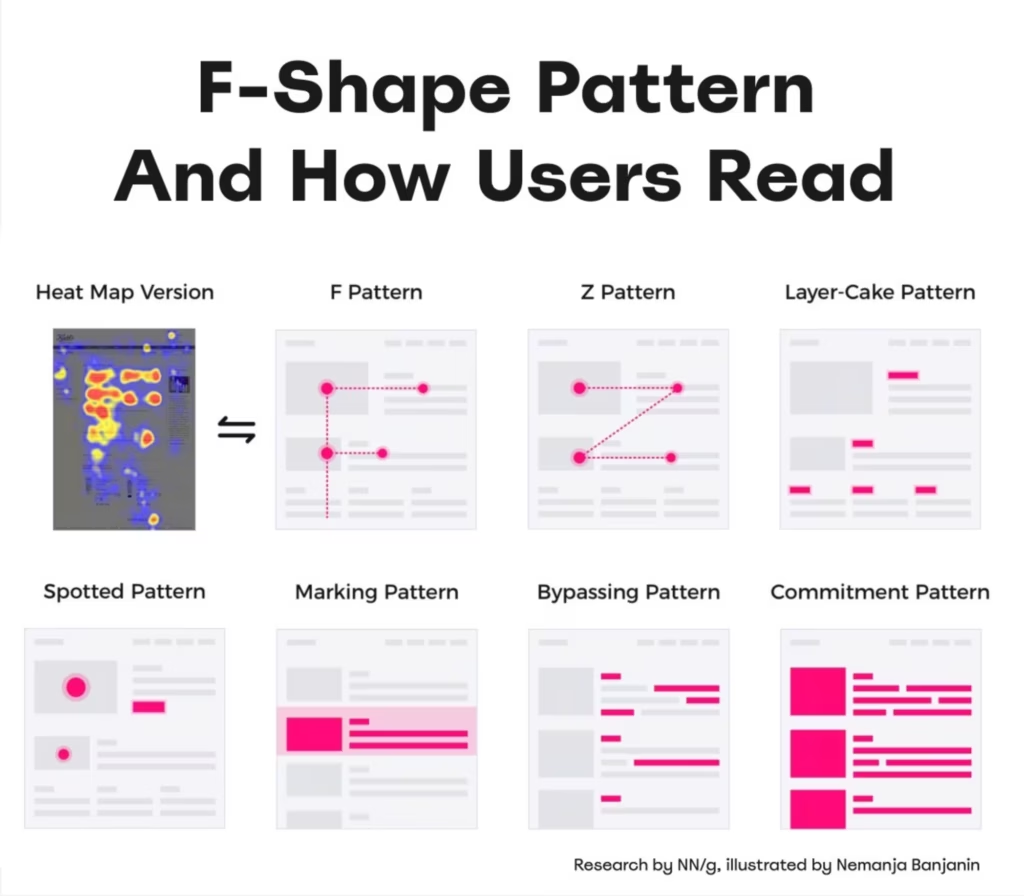
Faced with this overwhelming volume of open tabs, we mutate our reading habits to survive the times. As I noted in a previous essay on Reading for Knowledge, we rely heavily on skimming and scanning patterns. This is an essential coping mechanism for managing the infinite facts at our fingertips. While quick-reading techniques save time, they yield a superficial understanding of the material. We open a dense, complex text with the intention of giving it deliberate, thoughtful attention, but the sheer presence of twenty other open tabs reduces our interaction to a frantic visual scan.
Browsers also employ attempts to manage cognitive overload. Instead of a single horizontal graveyard of 50 tabs, browsers like Vivaldi (which I personally use) rely on Workspaces for strict mental contexts (e.g., I capture all my research, Grammarly, and WordPress tabs in a “Writing” workspace). Other UI patterns are Arc’s 12-hour auto-archiving inactive tabs. Or we install browser extensions like OneTab to sweep the clutter out of sight, or try to limit ourselves to 5–7 open tabs, which might be the sweet spot for working memory. Granted, this pre-loaded environment sometimes works in our favour. When the tabs are grouped and ready to go, it removes the friction of starting and helps us beat our procrastination.
More often than not, the ultimate solution is to let browser tabs sit. We might meticulously save a group of links to a “Read it Later” extension, only to return a month later and realise the urgency has completely evaporated. Those tabs are no longer needed. There is a small, modern joy, almost physical relief, in finally clicking the “X” and closing a tab that has been hovering around for weeks.
Because the initial cost of opening a link is zero, it is nearly impossible to pass up. Opening browser tabs is the ultimate tragedy of convenience. It is just too simple to do it. This convenience can sometimes act against us, as police, advertisers, and data brokers might look at our sprawling browsing history to see exactly where we have been.
Nature abhors a vacuum. Even if we clear the slate, an empty browser is just an invitation to start searching again. Within days, the tabs will stratify back into that map we know so well: the active tabs, the work tabs, the anxiety tabs, the aspirational tabs, the curiosity tabs.
As I try to wrap up these thoughts, I realise this article is suffering from the disease it is trying to diagnose. To write this essay, I opened dozens of pages. My browser has become a Wunderkammer with too many tabs open. I have hoarded so many competing metaphors with Roman aqueducts, 17th-century rags, nagging mothers, tsundoku, pharaohs, and digital dollhouses that they are starting to suffocate each other, and some ideas had to be left behind. The only solution is to let the metaphors go and close this browser tab.
Notes:
Do You Use It? Revisiting Websites with Windows, Bookmarks, Tabs, and Pinned Tabs – a remarkable technical history of how we interact with the browser.
I don’t normally paste GIFs in my articles, but this is too raw and visceral, and having dozens of StackOverflow tabs to help me in my day-to-day job as a software engineer was a reality that only recently Copilot and AI started messing with. This is a story for another article.
From r/ProgrammerHumor